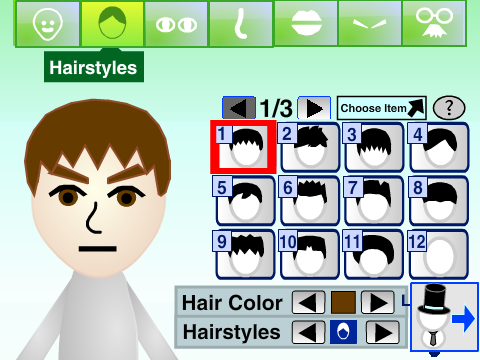
Classic style
Online Mii Maker on Scratch
By PrinceMatthew9998
Create a classic Mii-style avatar and keep a save code to edit it later.
Open makerGo beyond the classic Mii look with Medericoder’s avatar creator. Combine character parts and outfits, change their shapes and colors, and switch to a screenshot mode to compose your avatar. The project offers French, English, German, and Spanish language options.
Created by Medericoder on Scratch.
A computer with a keyboard is recommended. Several editing and screenshot controls require keyboard shortcuts.
Press the green flag in the player to start.
Player not loading? Open this project on Scratch (opens in a new tab)
Use the project’s code controls to copy your avatar code into a text document and keep it for later.
The creator reports a code precision bug: codes containing .000000 or .999999 may need correction. Try changing an avatar item and generating a fresh code before relying on the save.
Screenshot mode changes the presentation of your avatar. Use your device’s screenshot function to capture the result; this mode does not establish that an image file downloads automatically.
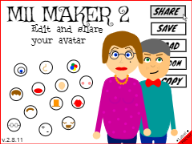
MII MAKER 2 focuses on a broader collection of avatar parts, outfits, and presentation options rather than reproducing only the classic console editor.
Click inside the Scratch player before using the shortcuts so the project receives keyboard input. You can also try the fullscreen button.
This fan-made editor is by Medericoder. View the original project and credits on Scratch. Mii and Nintendo trademarks belong to Nintendo. This website and these Scratch projects are not affiliated with Nintendo.
Find a different style or a new way to create your character.
Classic style
By PrinceMatthew9998
Create a classic Mii-style avatar and keep a save code to edit it later.
Open maker
Tomodachi style
By ThatOneGuy684
Try a Tomodachi-style editor with face paint, random designs, and save codes.
Open maker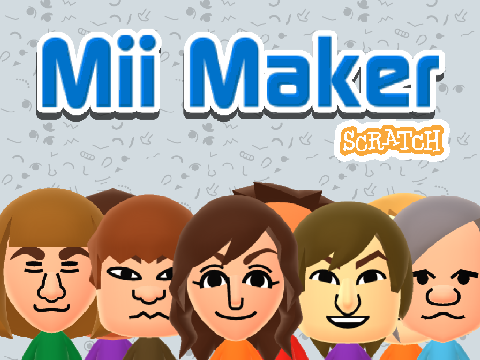
Character data
By FreckleMole
Build a Mii-style character and explore an editor with copyable character data.
Open maker