 SNES
SNESSuper Nintendo: Super Mario All-Stars
Four enhanced Mario classics sharpened for the SNES era.
Quick, playful Mii-inspired creator
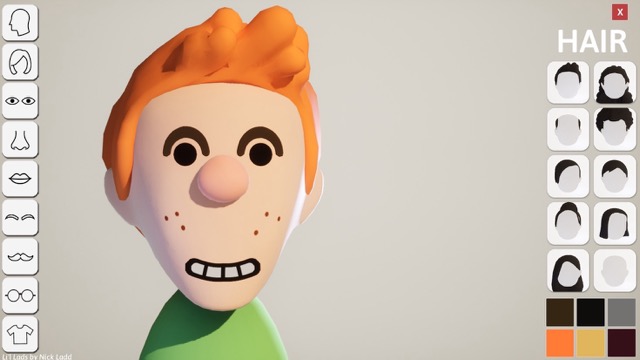
Build a mini version of yourself in this Mii-inspired character creator. Pick head shapes, eyes, mouths, glasses, and more, then save up to six custom “Laddies.” It is simple, quick, and designed for playful experimentation.

Launch the creator, mix and match facial parts, and save multiple Laddies. Right now there is no in-browser playthrough—download the game to try it on Windows or macOS.
This title needs to be downloaded to play. Use the download button above to get the Windows or macOS build.
Tip: connect a USB controller and map these buttons for the most authentic retro experience.
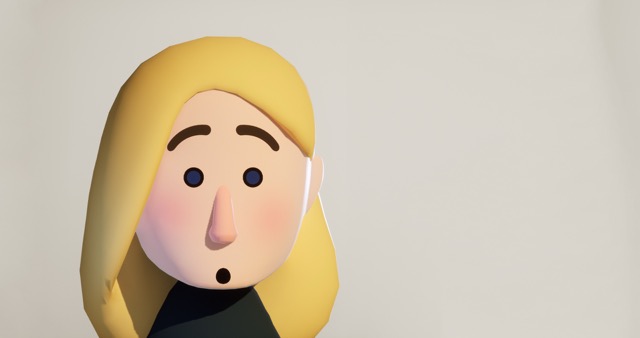
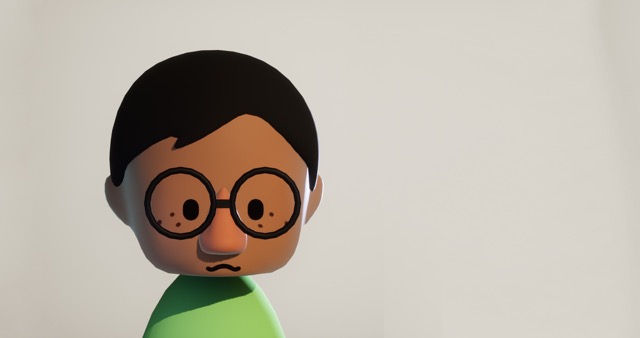
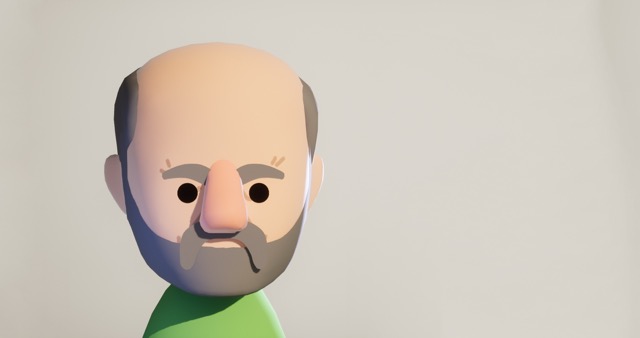
Peek at LiL Ladds customization in action.

Recommended Games
Keep the nostalgia rolling with more fan-favorite Super Nintendo adventures curated for retro gamers of every level.
SNESFour enhanced Mario classics sharpened for the SNES era.
 SNES
SNESCape-fueled platforming across Dinosaur Land with Yoshi.
 SNES
SNESEnter the original Mortal Kombat tournament with classic controls.
 SNES
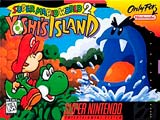
SNESHand-drawn Yoshi platforming packed with secrets and egg throws.
 SNES
SNESMode 7 kart racing with iconic tracks, drifts, and power-ups.
 SNES
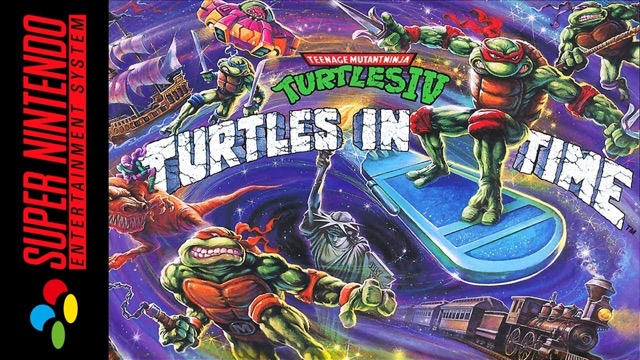
SNESCowabunga-sized co-op brawls across time and space.
 SNES
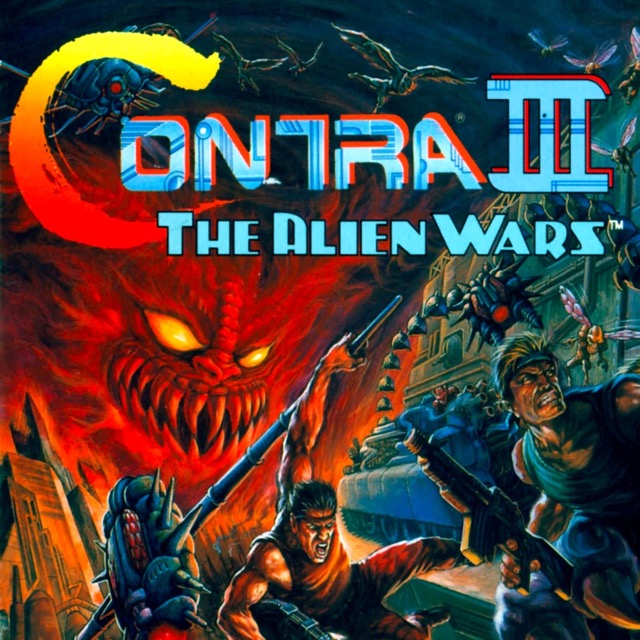
SNESAdrenaline-charged co-op blasting with towering bosses.
 SNES
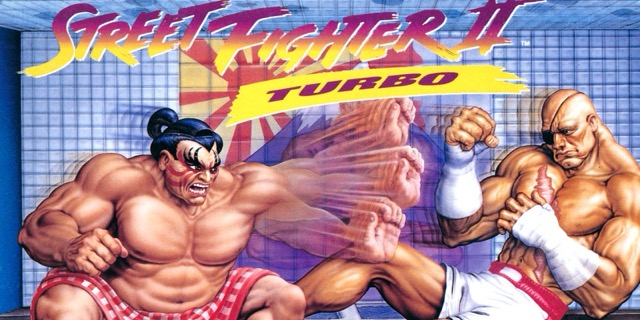
SNESArcade-perfect fireballs, dragon punches, and turbo-fast rounds.
 SNES
SNESSpeed through loops, collect rings, and outsmart Robotnik.
 SNES
SNESTackle MK3’s towering ladders and unleash dial-a-combos.
 SNES
SNESAcrobatic Agrabah runs with apple-flinging combat.
 SNES
SNESOutworld showdowns packed with new fighters and finishers.
 SNES
SNESCreate your perfect Mii avatar before diving into more SNES adventures.
LiL Ladds is a lightweight, Mii-inspired character creator focused on quick customization.
Choose from head shapes, eyes, mouths, glasses, and more to build a “little you.”
Save up to six Laddies at once so you can swap between friends and family.
Mac notes: tested on 2018 Intel MacBook; thumbnails for save slots are not supported on Mac, and M1/M2 compatibility may vary.
Follow these steps to keep the action flowing and uncover every secret inside LiL Ladds.
Download and install the Windows or macOS build from the itch.io page.
Open the creator and pick a head shape, eyes, mouth, and glasses.
Save your Laddie into one of the six available slots.
Load a saved slot to tweak or redo your design.
Export or screenshot your favorite looks to share.
No—the game must be downloaded for Windows or macOS to play.
It has been tested on a 2018 Intel MacBook; M1/M2 compatibility can vary, so try at your discretion.
You can keep up to six Laddies at once in the save slots.
NickLadd built the game using Unreal Engine and Maya.
Practice inside LiL Ladds, then hop back into the Mii Maker to design avatars inspired by your favorite retro heroes.
Return to Home